
Should an AI agent use your login? Why its own account is better
Give every AI agent its own identity and you can see exactly what it did, hand it more work and switch it on or off with one click.
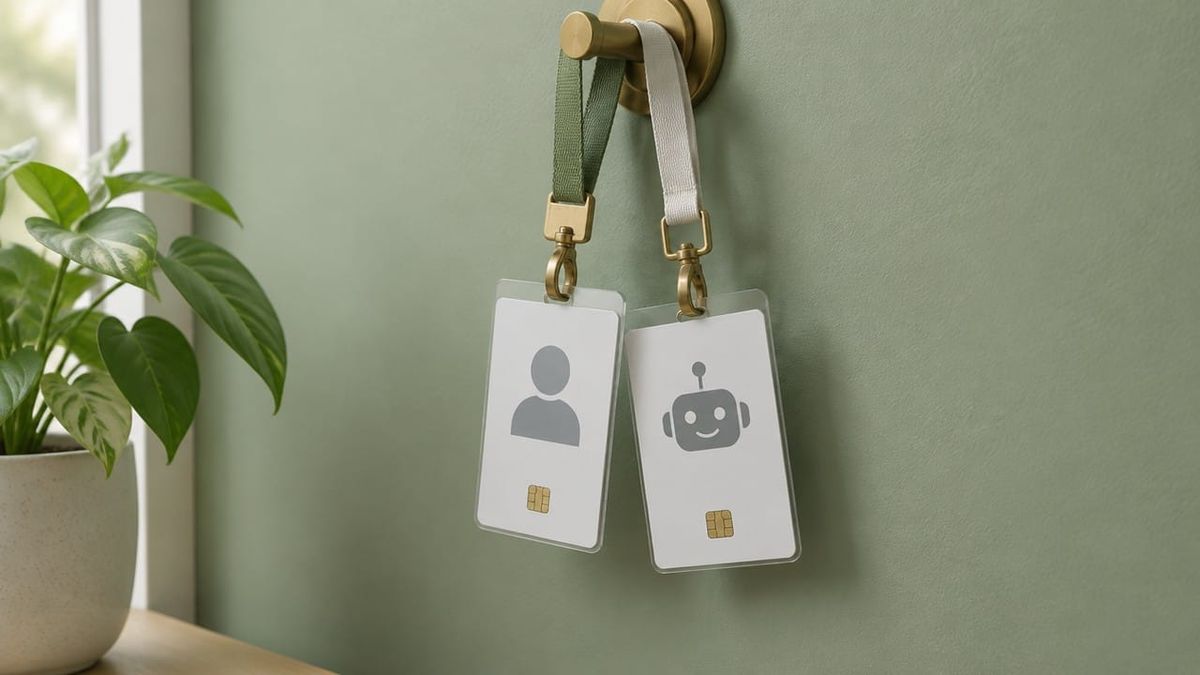
Give every AI agent its own identity and you can see exactly what it did, hand it more work and switch it on or off with one click.
The weekend your AI got a lot done
Imagine it is Monday morning. Over the weekend, your AI assistant answered 30 customer emails, updated a dozen records in your CRM and drafted three quotes. You open the log and every one of those actions sits under its own name, "ops-assistant", right next to the person who asked for the work.
You can see at a glance what the AI handled and what your team decided. Reviewing the weekend takes ten minutes, and you feel comfortable giving it more next weekend.
That is what happens when an AI agent has its own account instead of borrowing a person's login. It is a small setup choice that makes AI much easier to trust and to scale.
The big platforms are moving this way
This week gave us a useful signal. On 8 October, Google announced its Gemini agent, a "universal agent for work" now in private preview for business customers. One of the more interesting design choices: according to TechCrunch, the agent gets its own Workspace account, "as if it's just another co-worker", with its own email address. When it takes action, it writes an audit trail attributed to the agent instead of a person.
Australia's federal government has been saying something similar in its own guidance. The Digital Transformation Agency's agentic AI addendum, best-practice guidance for government agencies using AI agents, asks agencies to "assign a unique identity to each agent", with distinct roles, responsibilities and access privileges, and credentials that give each agent access to the resources it needs. The same document says a named human should be accountable for the decisions those agents make.
That guidance is written for government agencies, not small businesses, and it is not a law you have to follow. But it is a good idea to borrow. When a tech giant and a government standard land on the same idea in the same season, it is worth paying attention.
Why its own account works better
Giving an AI agent its own account, rather than a staff member's login, has four big benefits.
You can see who did what. Every action carries the agent's name. Reviewing work is quick, and you can tell the AI's work from your team's decisions.
You can switch it on and off on its own. Pausing the agent, or changing what it can do, never affects the person who works alongside it. That makes it easy to experiment.
You can match access to the job. Your own login probably opens email, files, billing and customer records. The agent might only need two of those. Its own account lets you give it exactly what the job needs, and add more as it earns it.
Nobody needs to share a password. The agent signs in as itself, so setup is clean and nobody's personal login ends up in a tool or a config file.
What "its own account" looks like for a small team
You do not need enterprise software to do this well. For each AI agent that takes actions in your business:
- Give it a named account or service login. Something obvious, like "ops-assistant", so anyone reading a log knows it was the AI.
- List a human owner. One person guides what this agent does and reviews its work.
- Grant the access the job needs. If it drafts replies to customer emails, give it the shared support inbox. Add more as you give it new jobs.
- Make it easy to pause. Disabling the agent's account pauses the agent and nothing else.
- Review its access when the job changes. New task, new access. Old task finished, access tidied away.
Make the record readable
The payoff for all of this is a clean record. When the agent's actions appear under its own name, next to the person who asked for the work or approved it, your Monday review gets much shorter. You can see what the AI did, what a person decided, and where the handoff happened.
That record is also handy whenever a customer, supplier or auditor asks how a decision was made. You can show them in seconds.
A five-minute start you can do today
Make a quick list of every AI tool in your business that currently signs in as a real person. Next to each, note what that person's account can reach.
Then pick the busiest one, usually anything working in email or customer records, and give it its own account first. You do not have to move everything this week. One agent with its own name is enough to see how much easier it makes things.
Where Walter fits
At Walter, we think of AI as a teammate, and teammates have their own name on the door. Walter is being built to work that way: as a clearly identified member of the team, with a named human owner, access matched to the job, and a record of what it did, while it pulls your business context together under its own identity.
Your AI can probably use your account. Give it its own, and you will find it much easier to hand it more.
Sources
- TechCrunch, Google brings agentic AI to Gemini, starting with businesses (8 October 2026): https://techcrunch.com/2026/10/08/google-brings-agentic-ai-to-gemini-starting-with-businesses/
- Google, Google Cloud introduces the Gemini agent (8 October 2026): https://blog.google/innovation-and-ai/infrastructure-and-cloud/google-cloud/gemini-at-work/
- Digital Transformation Agency, Agentic AI addendum, Design statements (AGT.3.3): https://www.digital.gov.au/policy/ai/agentic-ai-addendum-statements-design
- Digital Transformation Agency, Agentic AI addendum to the AI technical standard: https://www.digital.gov.au/policy/ai/agentic-ai-addendum
Join the waitlist at https://hirewalter.ai/